How to Set Up a Google Business Profile in Dubai (Step by Step)
Your Google Business Profile is what appears on Google Maps and in local search results when people in Dubai look for a business like yours. Here is how to set it up properly, step by step.
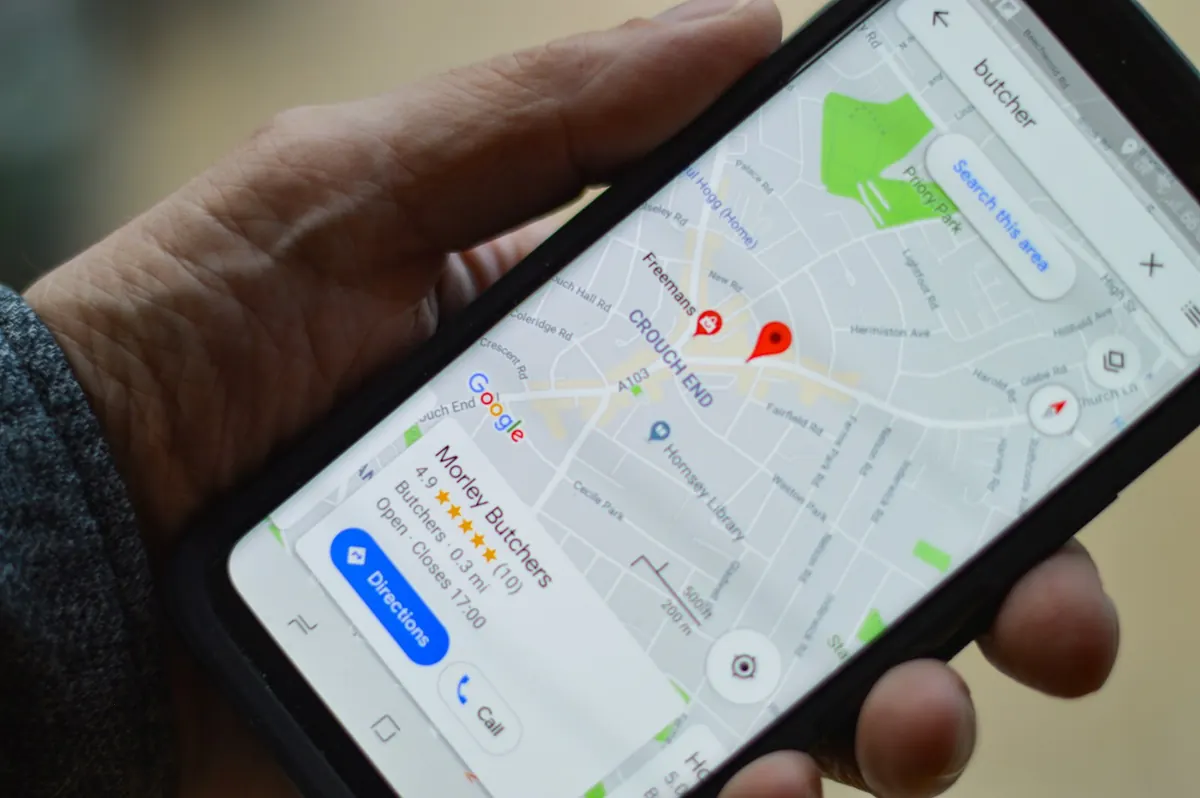
Create your profile at business.google.com, choose the right category, add your service areas, verify the business, then complete every section and start collecting reviews. A complete, active profile gives you the best chance of appearing on Google Maps in Dubai.
Why your Google Business Profile matters
When someone searches for "marketing agency Dubai", "dentist near me" or "car repair Al Quoz", Google usually shows a map with a few local businesses before the normal results. Those businesses come from Google Business Profile.
A good profile lets customers see your phone number, website, opening hours, reviews and photos without even visiting your website. For many local businesses in the UAE, it brings more calls than the website itself. And it is free.
What you need before you start
- A Google account, ideally a business account you will keep long-term
- Your exact business name, as customers know it
- Your business phone number and website
- Your address, if customers visit you, or the areas you serve if you go to them
- Your opening hours, logo and a few real photos of your business
Step-by-step: creating your profile
1. Go to Google Business Profile
Visit business.google.com, sign in with your Google account and choose to add your business. First, search for your business name, in case a listing already exists. If it does, you can claim it instead of creating a duplicate.
2. Enter your business name
Use your real business name exactly as it appears on your signage, website and documents. Do not add keywords such as "Best SEO Agency Dubai" to the name. It is against Google's guidelines and can get your profile suspended.
3. Choose your business type and category
Choose whether customers visit your location, you visit customers, or both. Then pick the primary category that best describes your main service, for example "Marketing agency", "Dental clinic" or "Real estate agency". The primary category has a big effect on which searches you appear in, so choose the most specific accurate option. You can add extra categories later.
4. Add your location or service areas
If customers come to your office or shop, add your full address so you appear on the map. Only use a real location where you meet customers during business hours. Virtual offices and mailbox addresses are not allowed. If you serve customers at their location, hide your address and add service areas instead, such as Dubai, Sharjah or Abu Dhabi.
5. Add your phone number and website
Use a number customers can actually reach, and link to your website. Make sure the name, phone number and address match exactly what is on your website.
6. Verify your business
Google needs to confirm your business is real before your profile can appear publicly. Depending on your business, Google may ask you to record a short video showing your location, signage or business materials, or verify by phone, text message or email. Follow the instructions on screen. Verification can take anything from a few minutes to several days.
Complete your profile (this is where ranking starts)
A verified but empty profile will not get far. Fill in every section you can:
- Opening hours, including special hours for holidays such as Eid
- Business description: a clear summary of what you do and where, written for customers, not stuffed with keywords
- Services or products, each with a short description
- Photos: your logo, a cover image, your team, your premises and your work. Real photos build more trust than stock images
- Extra categories that accurately describe other things you do
How to rank higher on Google Maps
Google ranks local results mainly on three things: how relevant your profile is to the search, how close you are to the person searching, and how prominent (well known and trusted) your business is. You cannot change distance, but you can improve the other two:
- Get genuine reviews. Ask happy customers to leave a review, and make it easy by sharing your review link. Never buy fake reviews.
- Reply to every review, positive or negative, politely and helpfully.
- Keep your information consistent on your website, social media and business directories.
- Post updates about offers, news or recent work every few weeks to show the profile is active.
- Strengthen your website, because Google also looks at how relevant and trusted your website is.
Common mistakes to avoid
- Adding keywords or locations to your business name
- Using a virtual office or someone else's address
- Creating more than one profile for the same location
- Choosing a broad or wrong primary category
- Leaving reviews unanswered and the profile inactive for months
We set up and optimize Google Business Profiles as part of our local SEO service for businesses in Dubai and across the UAE.
See our SEO services